What Picture Puzzles is
Picture Puzzles is ALPINE AI's fourth app, and the first one that isn't a lesson. The others teach; this one is a reward — something calm and welcome to open after the hard part of the day is done. It takes a motion the learner already knows from real jigsaw puzzles — pick up a piece, move it, feel it settle home — and puts it on the same tablet, beside the reading apps.
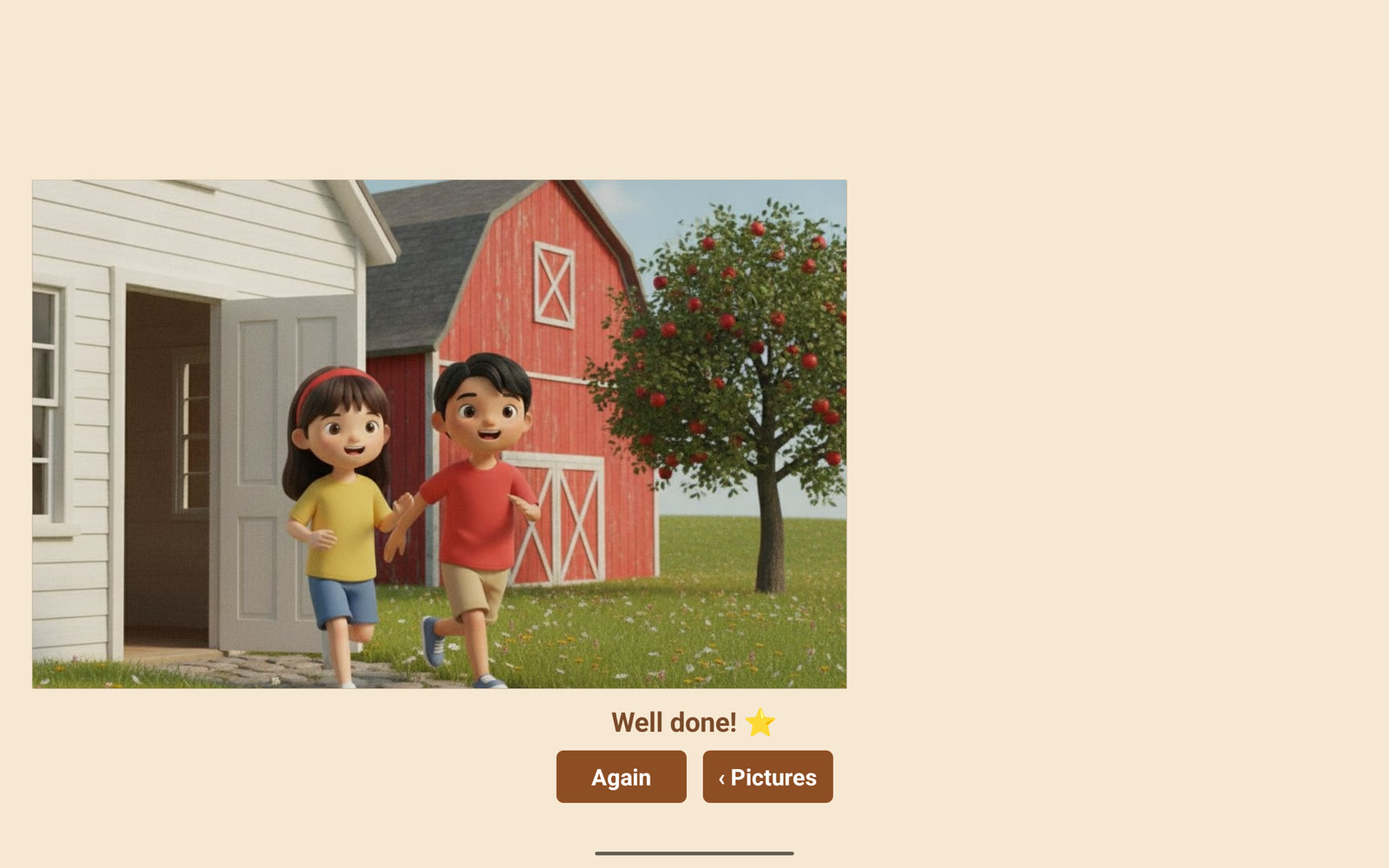
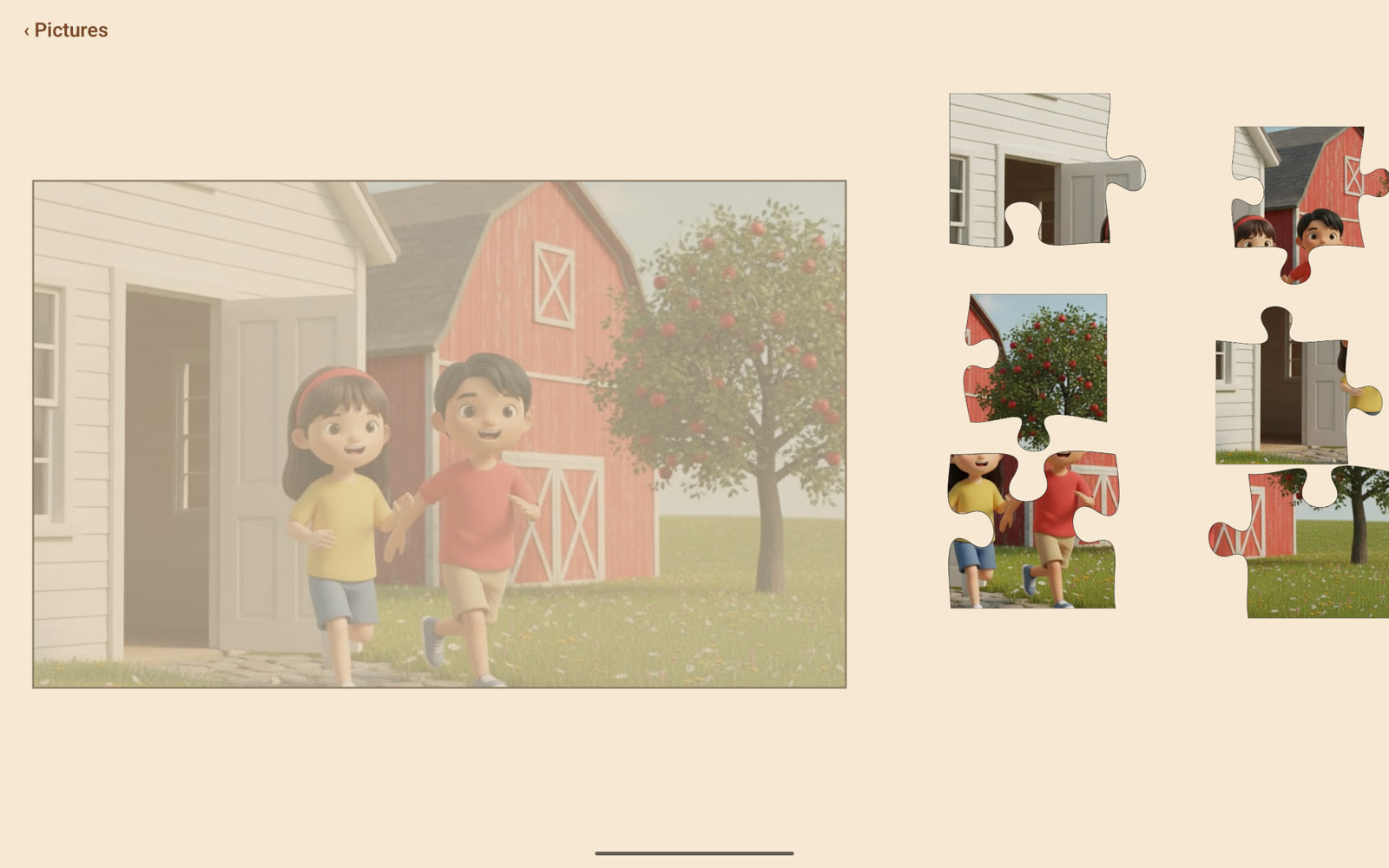
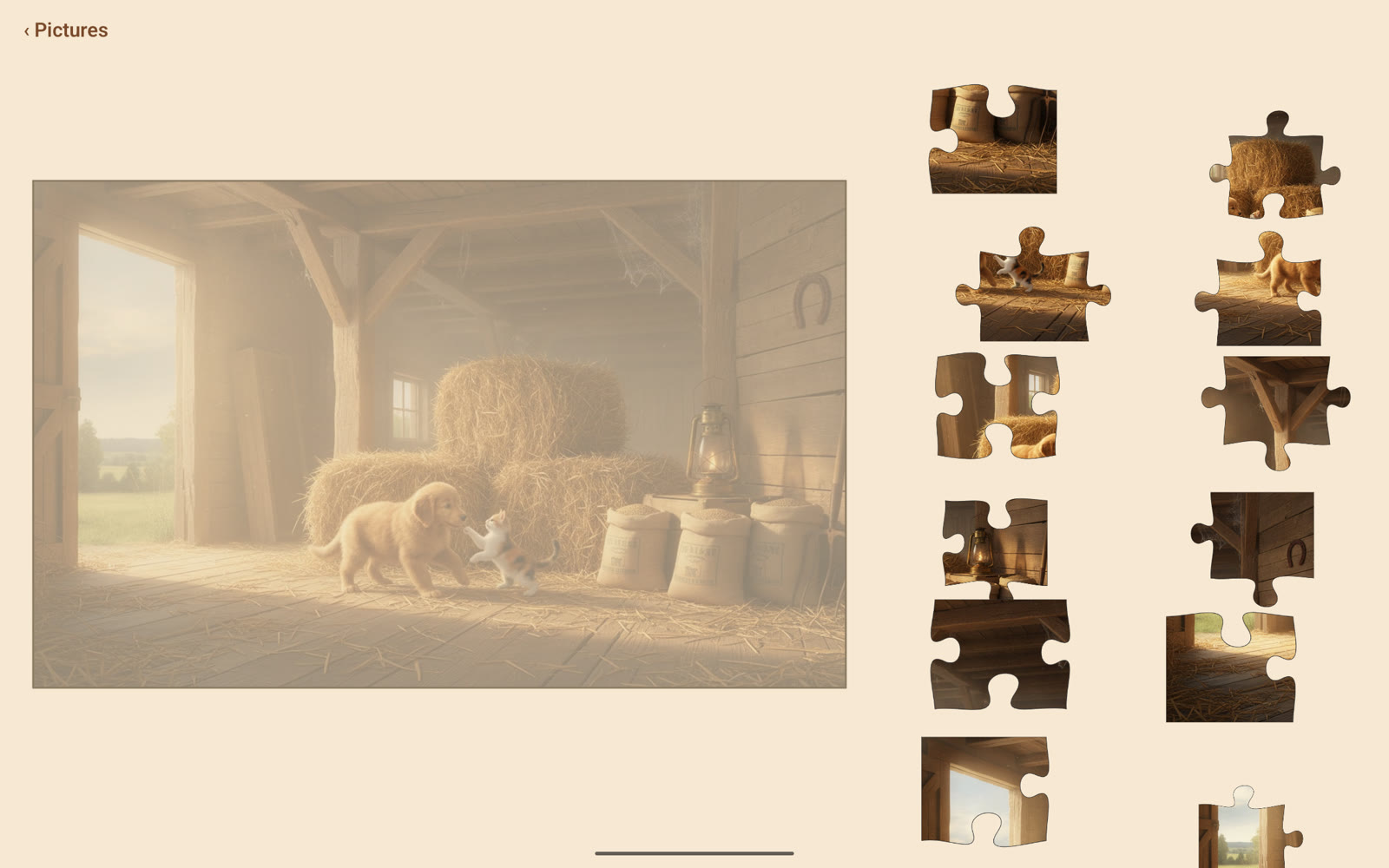
A picture opens whole, then breaks along real interlocking jigsaw lines into pieces that glide down into a tray. She drags each piece back to where it belongs; when the last one locks, the whole picture returns — hers again. There is no clock, no score, nothing to fail, and nothing to collect. Like everything under the ALPINE AI name, it is built for one learner and is not a commercial product.
How a puzzle works
One picture, one calm loop, the same every time. Pictures lean to animals and nature — farms, forests, gardens, ponds — chosen for what she likes to look at.
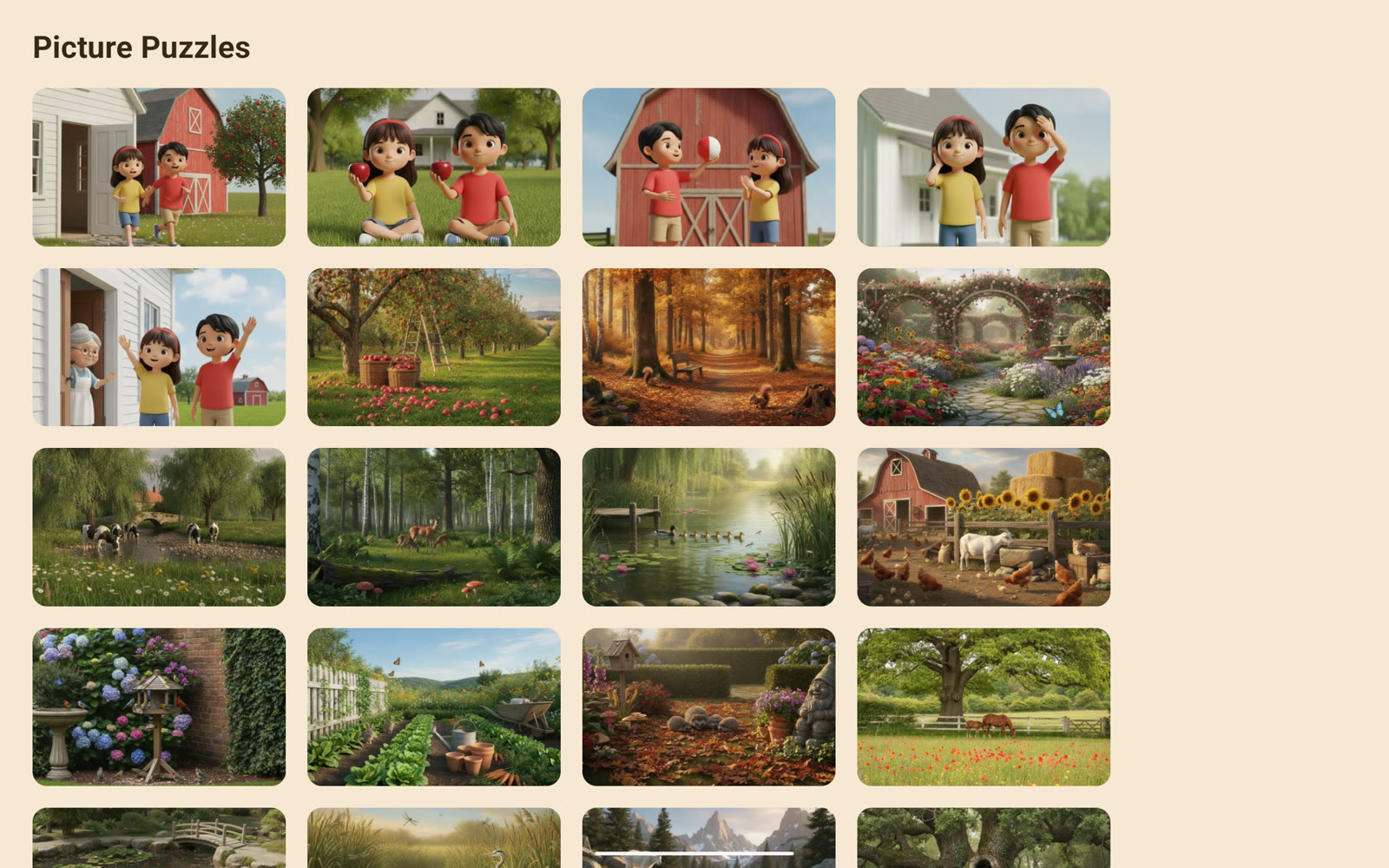
- Pick a picture from the wall
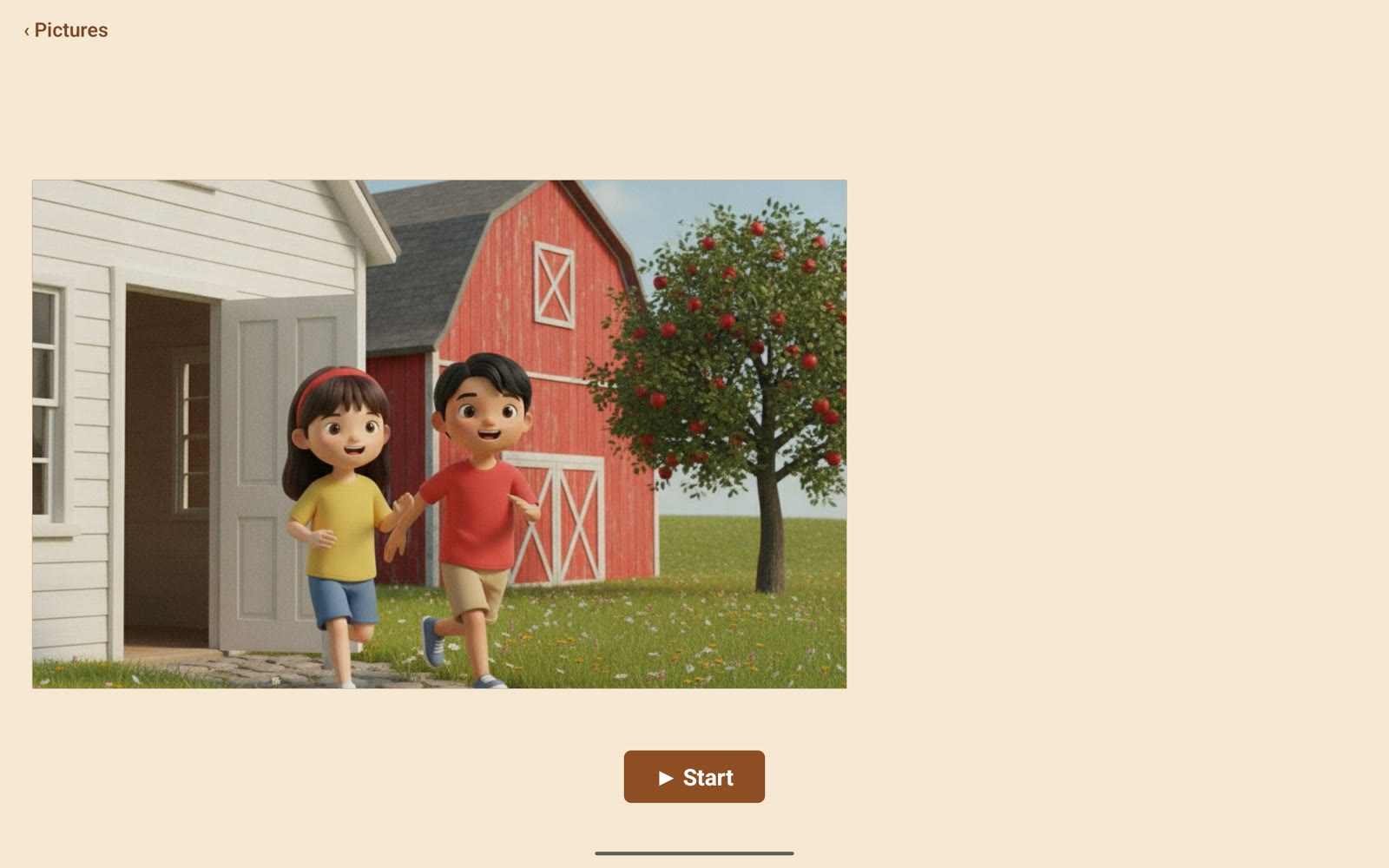
- See it whole, then tap Start
- The picture breaks into pieces that glide to a tray
- Drag each piece home — the snap is generous
- A piece dropped far simply drifts back; nothing is wrong
- The last piece locks and the whole picture returns
It grows with her
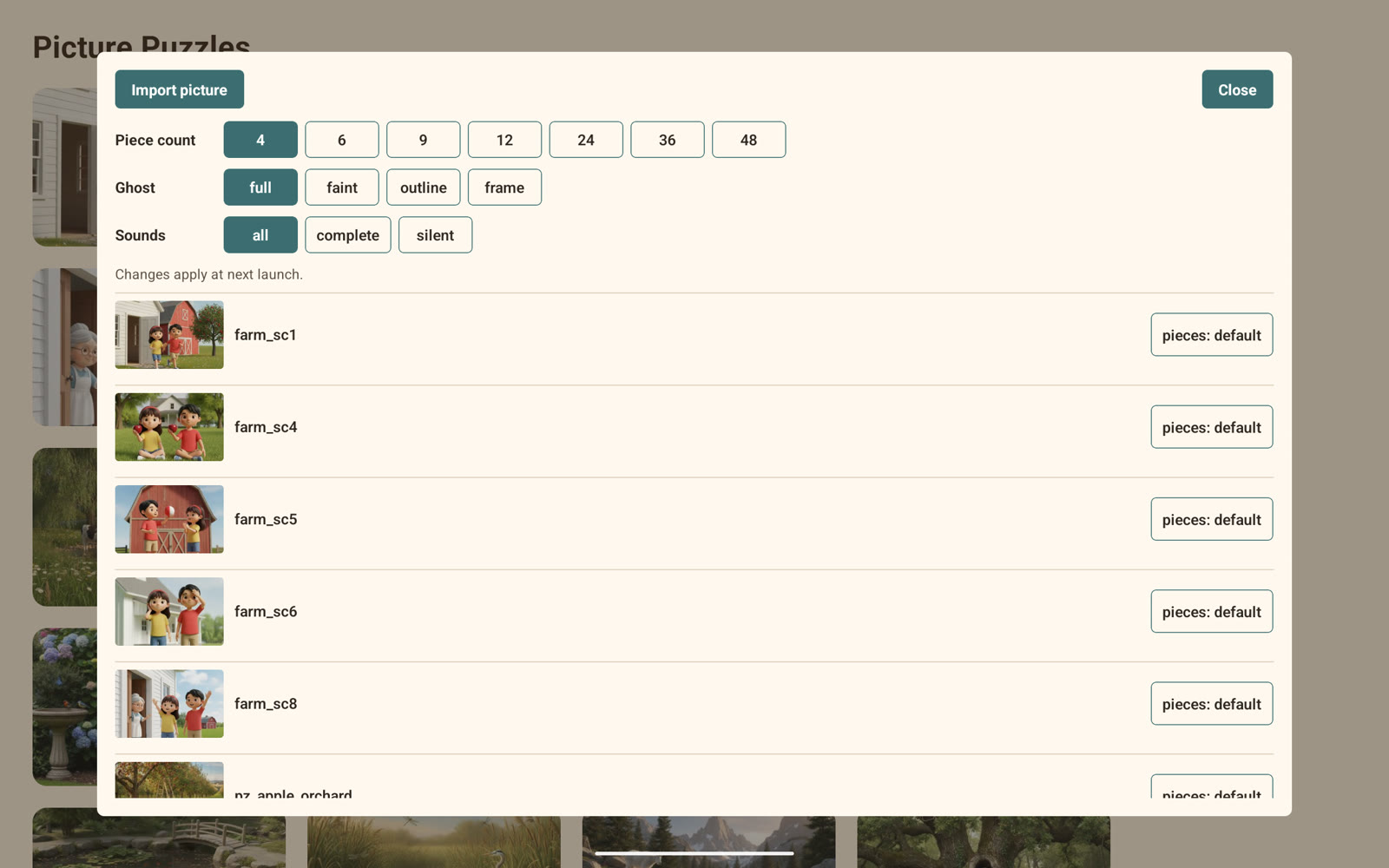
The same picture can be a few big pieces or many small ones. Difficulty is only the number of pieces — never a timer, never a rotation to puzzle out. An adult sets it, from four pieces up to forty-eight, so the puzzle can start gentle and grow into a real challenge as she is ready for it.
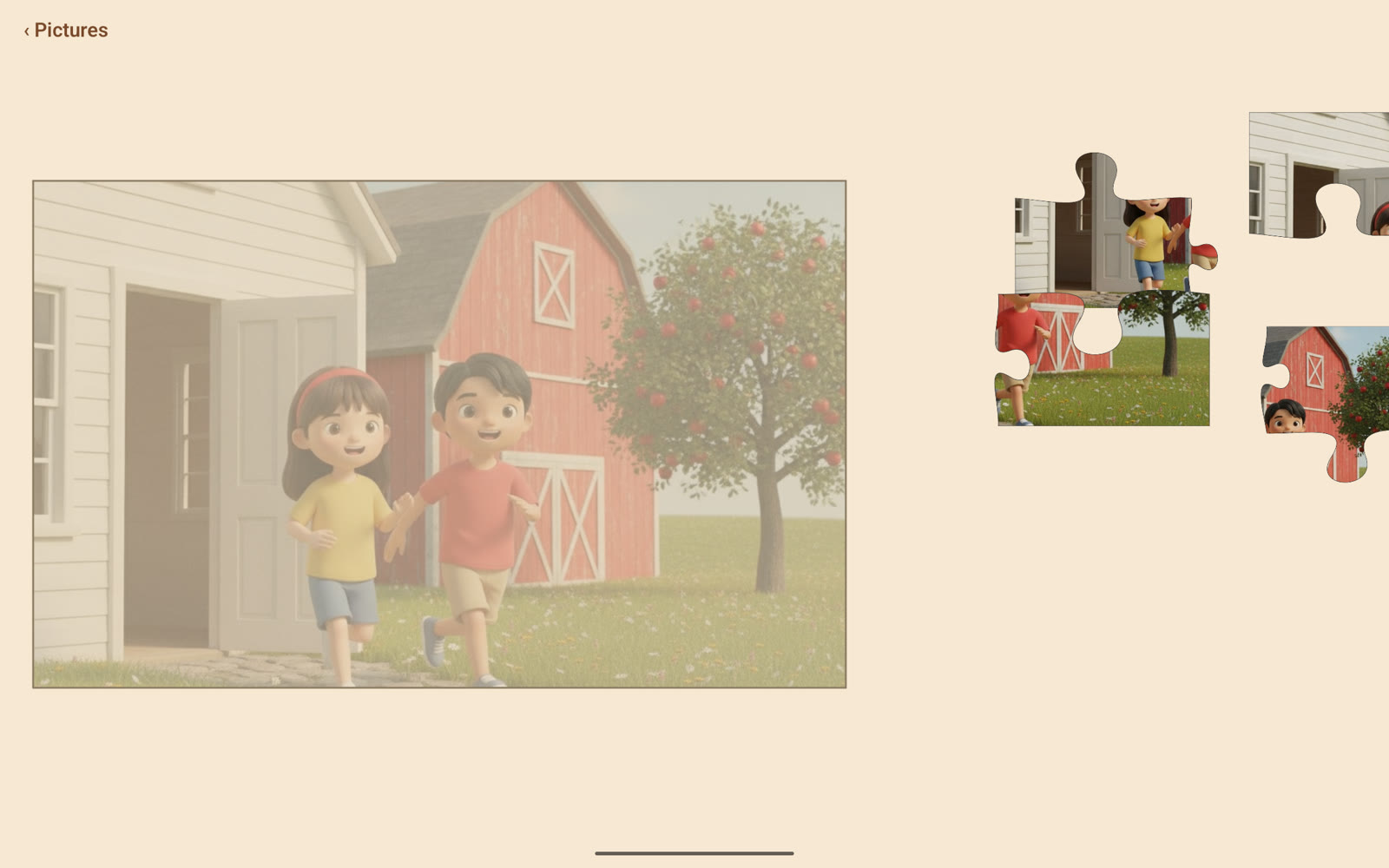
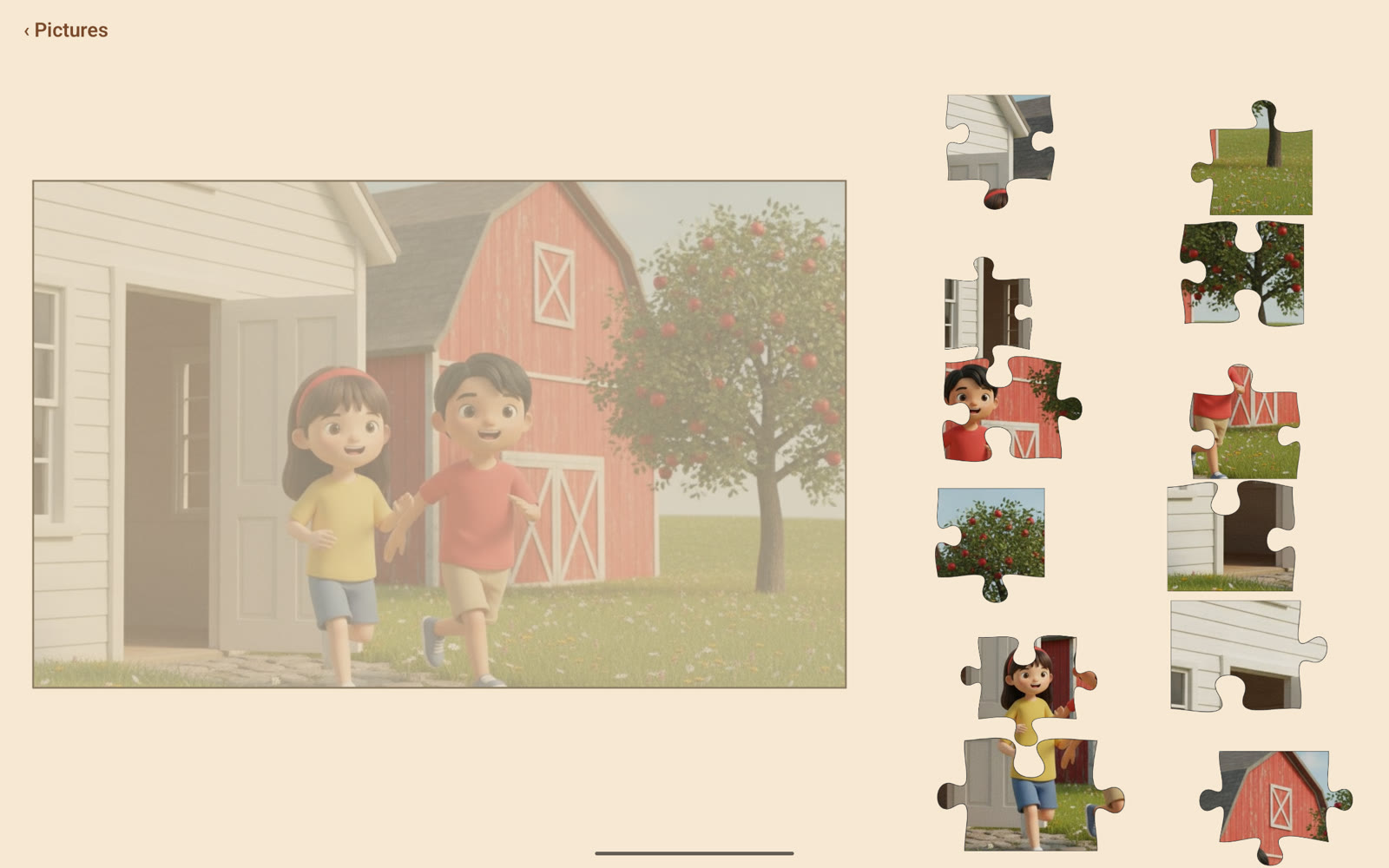
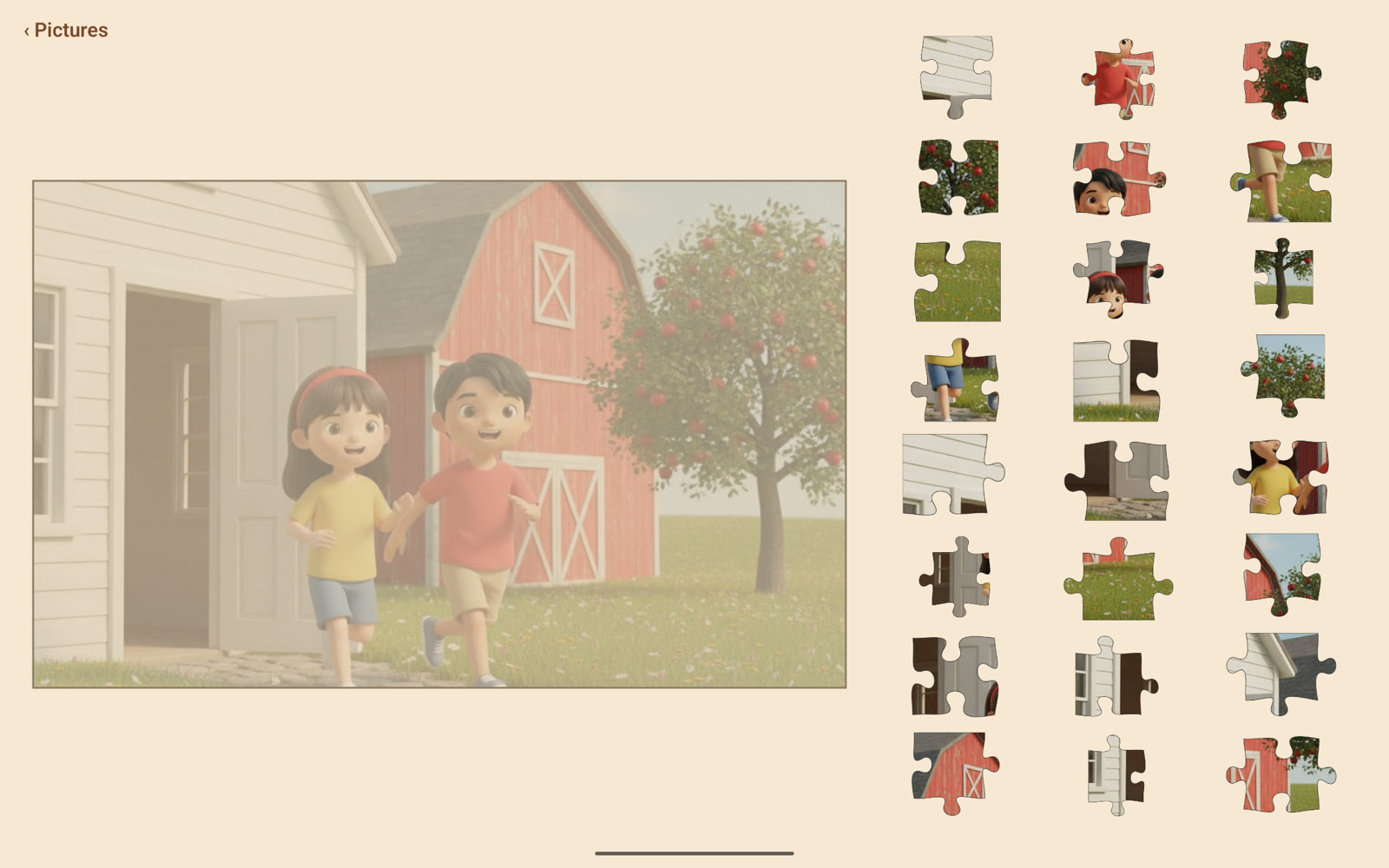
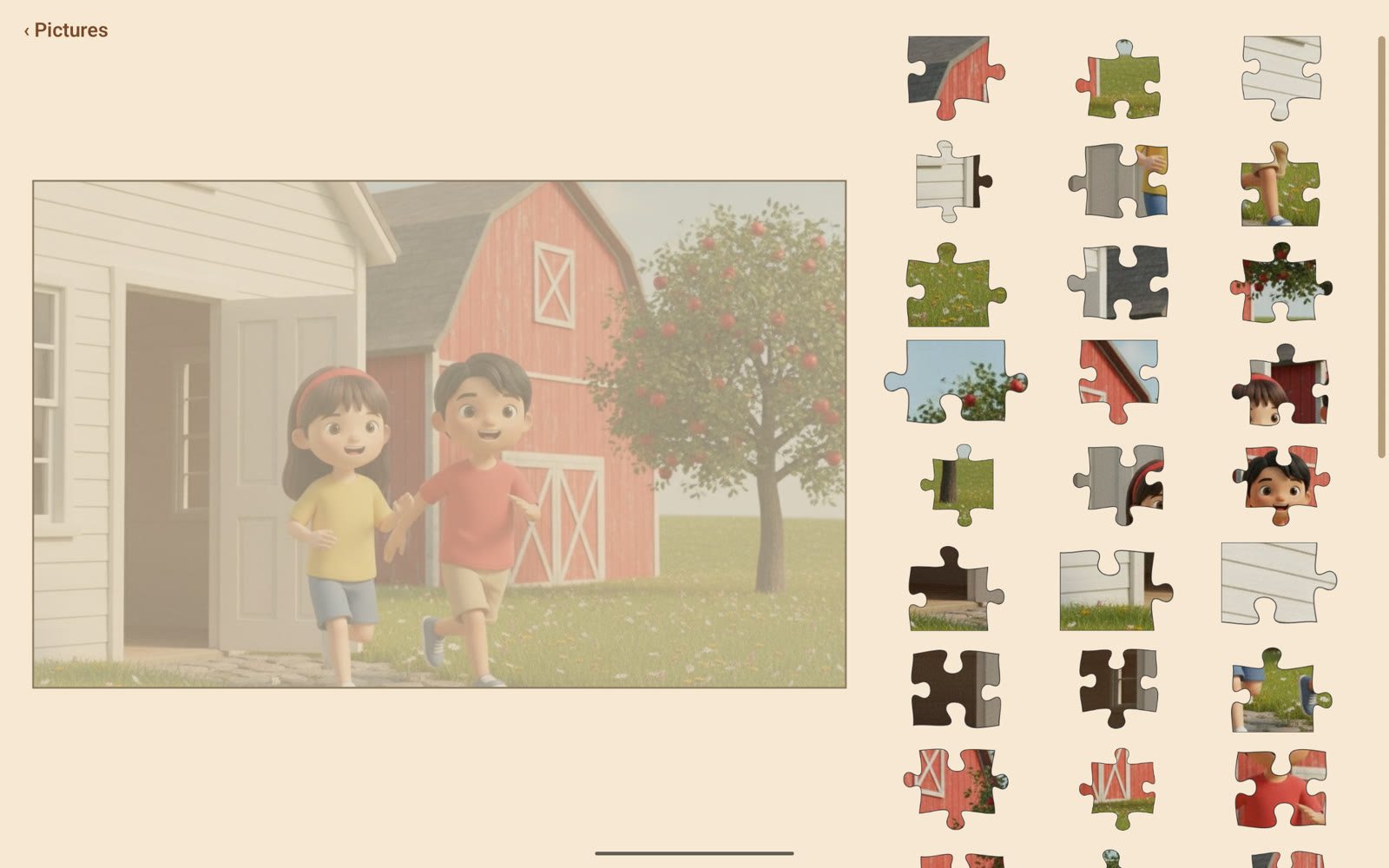
Her own pictures
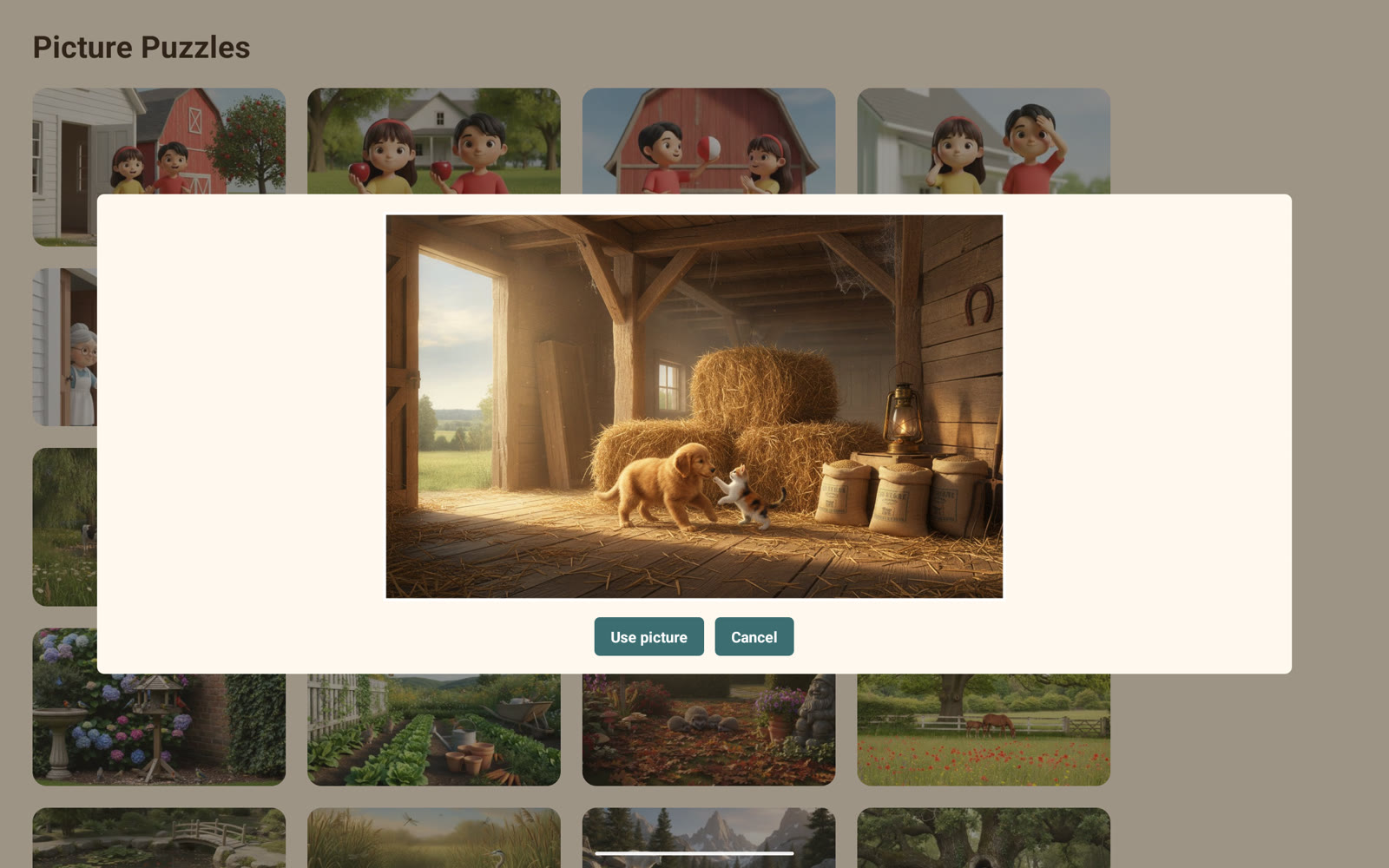
This is the part that makes Picture Puzzles hers. Behind the same two-second adult press is a way to add a photo from the tablet — the dog, the garden, a face she loves. A quick crop frames it, and it becomes a puzzle cut exactly like every other one. The people and places she knows can be taken apart and put back together, whenever she likes.
The same foundations
Picture Puzzles is a reward, but it keeps every commitment the learning apps make.
Errorless by design
There is no wrong move. A piece dropped away from its place drifts calmly back to the tray — no buzz, no penalty, no way to fail.
The same picture, every time
Each picture always breaks into the same pieces, the same way. The puzzle she solved yesterday is the puzzle she meets today — predictability, on purpose.
The guide is support, not a prize
Most puzzle apps sell the faint picture behind the frame as a hint to earn. Here it is always on by default, an adult-set dial that can fade as she grows — support, never a reward to unlock.
No scores, no timers, no ads
The finished picture is the whole reward. Nothing is counted, nothing is timed, and nothing on the screen ever asks her to hurry or to spend.
Her place is remembered
A finished picture keeps a check mark, and a puzzle left partway through reopens where she left it. Progress never resets.
Offline and private
Everything runs on the tablet with no account and no connection. Photos she adds stay on the device; nothing leaves it.
Explore
Three ways to see Picture Puzzles in context.
Its sibling, Living Puzzles, makes the finished picture come alive.